
Launch milestone
Apna Setu is now live on Google Play testing.
A safer, smoother way to install Apna Setu is here. Open the Play Store testing link, get future updates through Google Play, and register with OTP.

Official Android app
Apna Setu
Groceries and daily essentials delivered in supported local areas.
Google Play testing live
Selected Bhubaneswar pincodes
OTP login
UPI via Razorpay
Install from Google Play, register with your mobile number, add your delivery address, and start ordering from eligible local delivery areas.
Install guide
Get access, then install from Google Play
Join the Apna Setu tester Google Group with the Gmail used on your phone.
Open the Google Play testing page and tap Become a tester.
Install Apna Setu from Google Play, verify OTP, and add your delivery address.
Tester access
Follow these steps before opening Play Store.
Join the tester Google Group
Join with the same Gmail account selected in the Play Store app on your phone. This is what gives your account permission to see Apna Setu on Google Play.
Join tester groupBecome a tester on Google Play
After joining the group, open the testing page and accept the tester invite. If it does not work immediately, wait a few minutes and retry.
Become a testerInstall Apna Setu
Once tester access is active, the Play Store listing will open normally and you can install or update Apna Setu.
Install via Google PlayCommon questions
Before you install
Is Apna Setu available on Google Play?
Yes. Apna Setu is currently available through Google Play testing, so the install opens inside Play Store instead of downloading a separate app file.
Why does it say testing?
We are rolling out carefully through Google Play testing before wider availability. This helps us ship updates, fix issues faster, and keep installation safer.
Do I need a separate app file?
No. Use the Google Play link on this page. Google Play will handle the install and future app updates for your phone.
What if Google Play says I need access?
Make sure you joined the tester Google Group with the same Gmail selected in the Play Store app. Wait 5-10 minutes, open the testing page, then try the install link again. Call or WhatsApp +91 7004466712 if it still does not open.
Preview
Screenshots

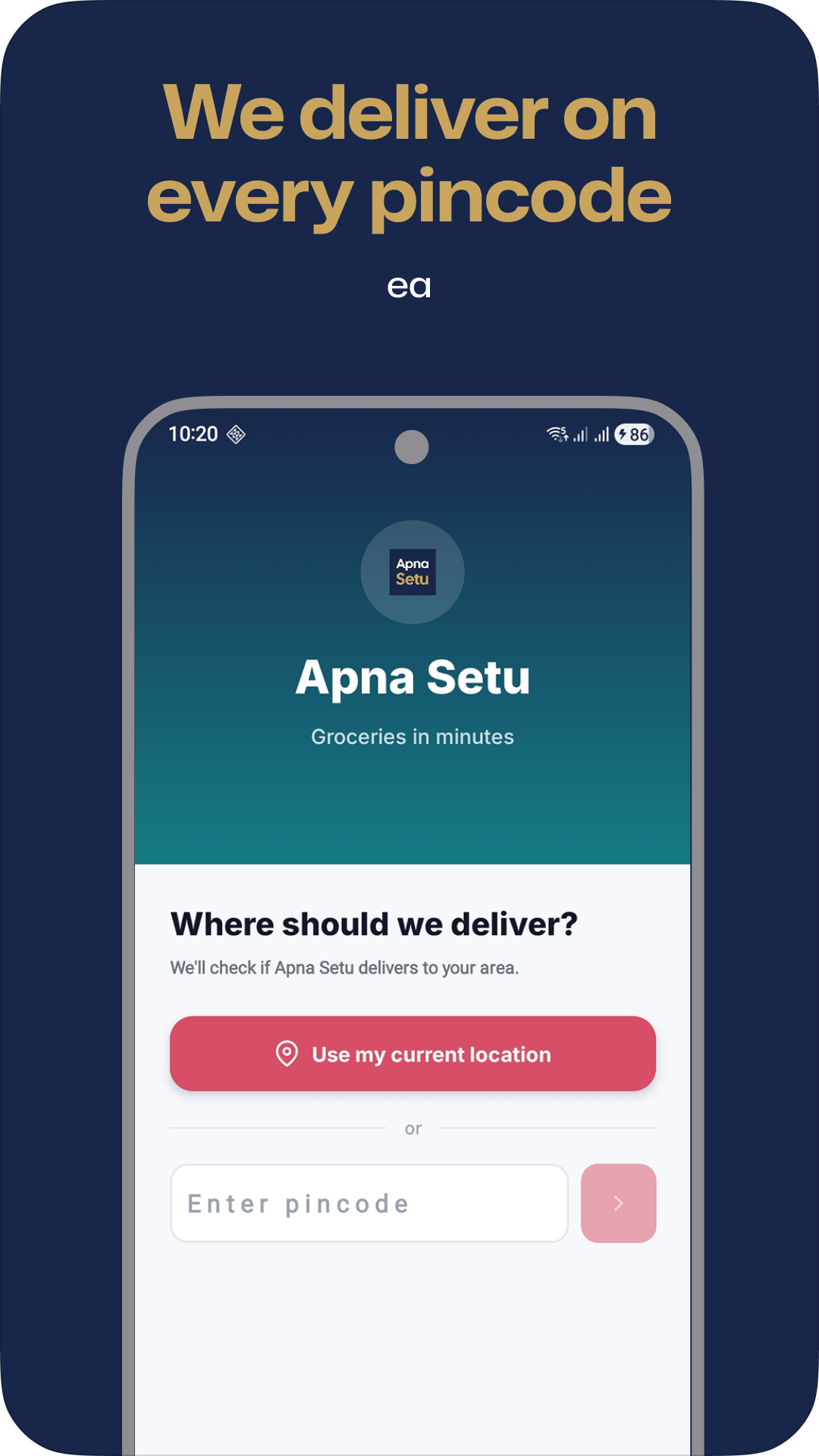
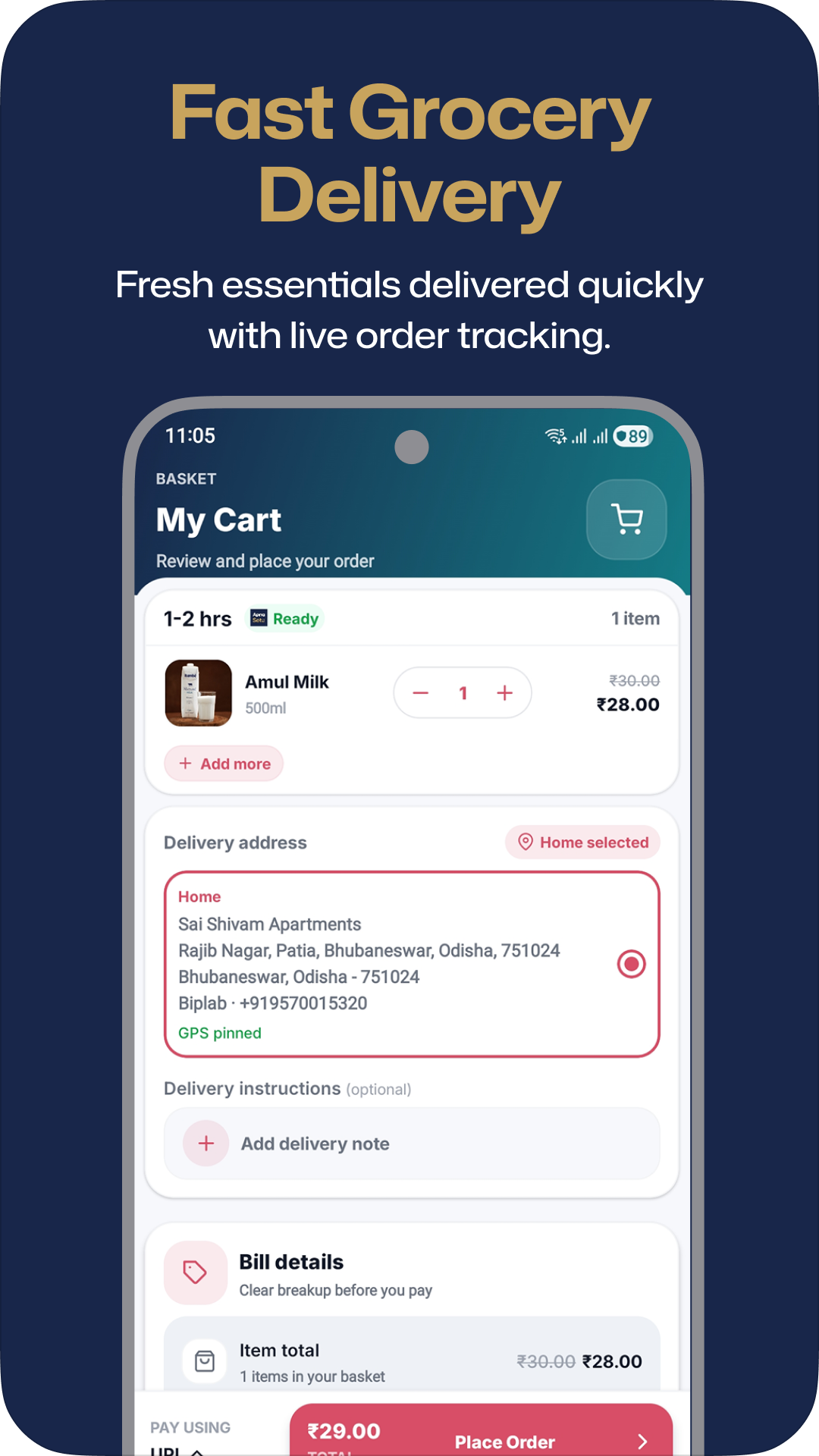
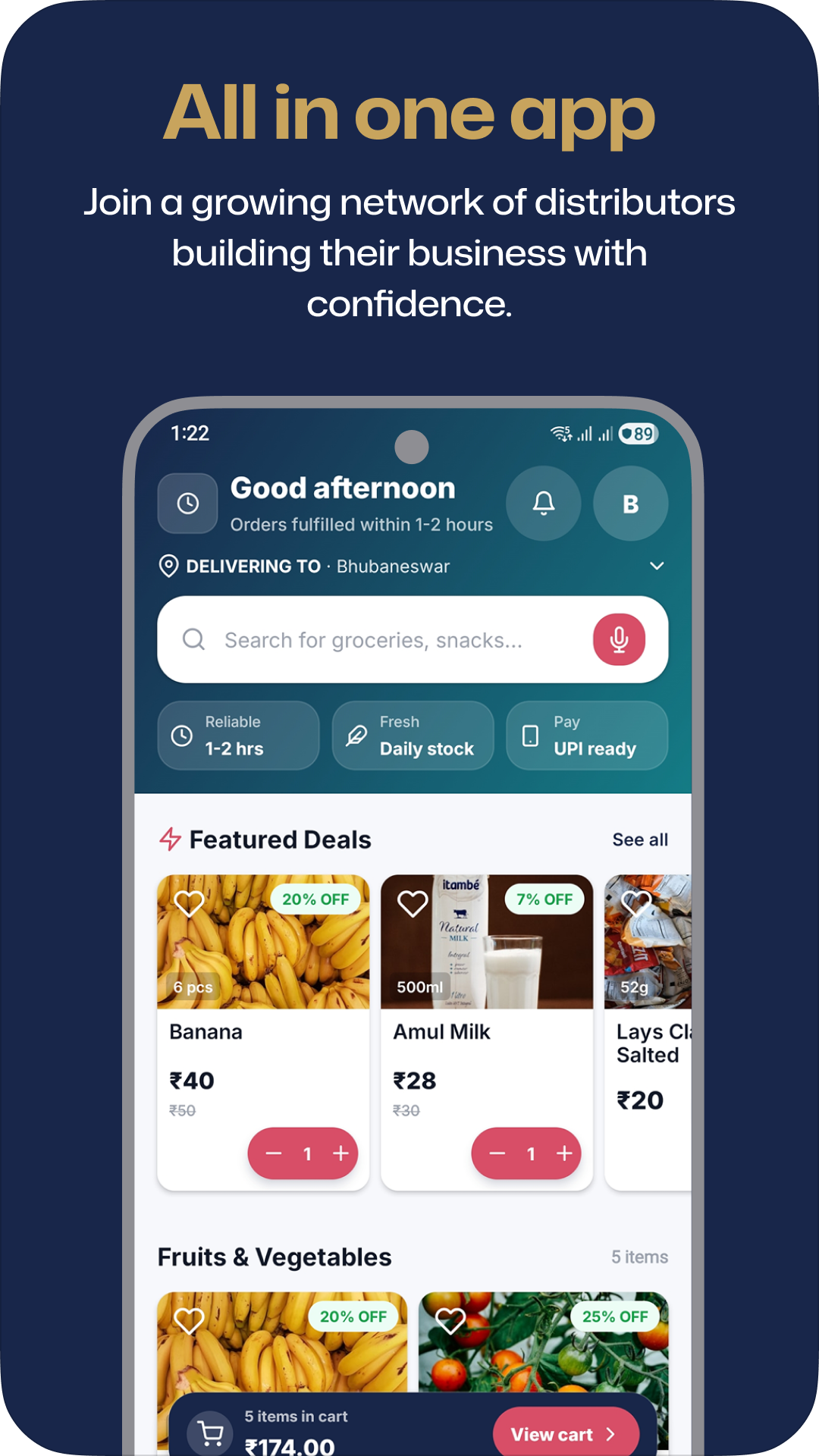

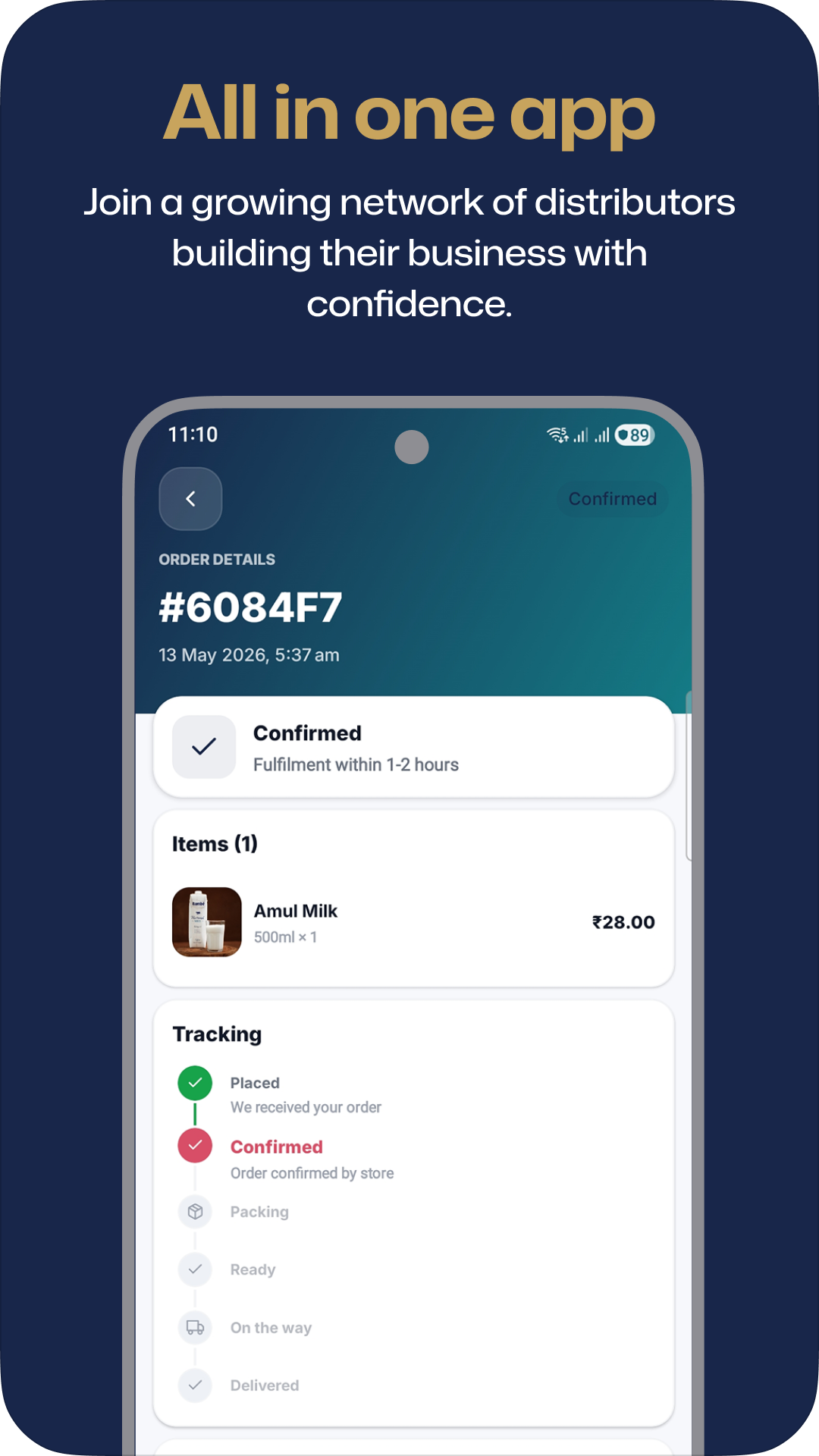
About this app
Made for quick local grocery ordering.
Apna Setu helps customers order groceries, fruits, vegetables, snacks, dairy, household needs, and daily essentials from supported local service areas.
- Browse categories and featured deals
- Check pincode or current-location delivery availability
- Pay using UPI or available checkout options
- Track order progress from confirmation to delivery
After registration
What users can expect
Registration is only used to create your customer account and help deliver orders to the right address.
- Login
- Phone OTP
- Address
- Saved for delivery
- Orders
- Track status in app
Data safety and support
Transparent before users install.
Apna Setu uses your phone number for login and order communication. Address details are used for delivery. UPI payments are processed through Razorpay.
Policies